
HardForm
A parametric, history-based solid modeler with CAM, drafting and scan tools in one native program. Sketch, build features, assemble, draw, and generate toolpaths for your own machine.
What it is
HardForm builds solids the way a CAD program should: constrained sketches, dimensions driven by named parameters, and a feature timeline you can roll back and edit. Underneath, the geometry is a signed distance field, evaluated by the Fidget implicit-surface engine, which is why offsets, fillets, shells and boolean operations stay robust where boundary-representation kernels fail.
The document is a plain JSON edit log. Faces have stable identities, so a sketch placed on a face follows the face when you edit an earlier feature. Everything the interface does is also available from a command line program, so parts can be scripted and generated.
Screenshots
-
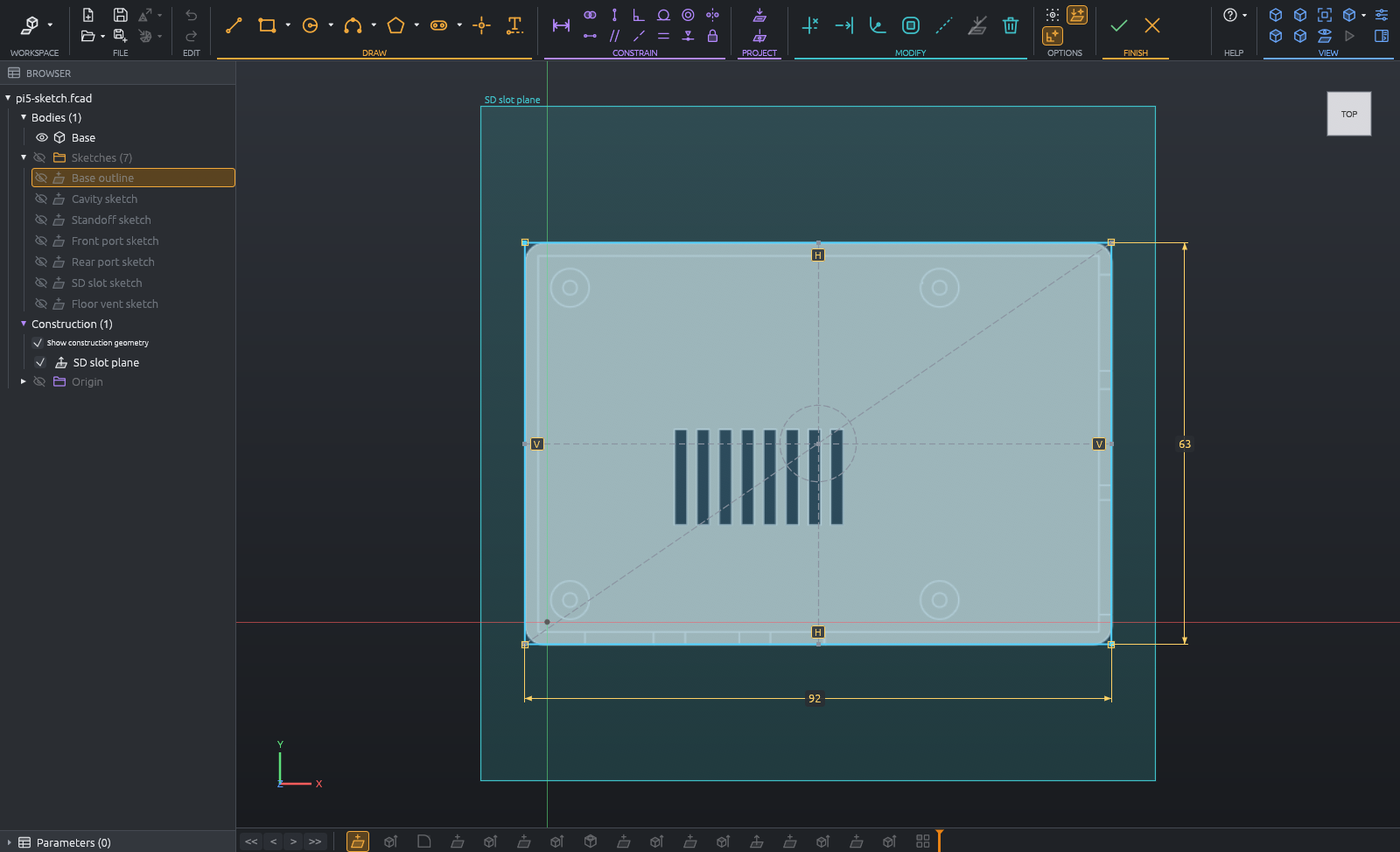
Constrained sketch with dimensions.
-
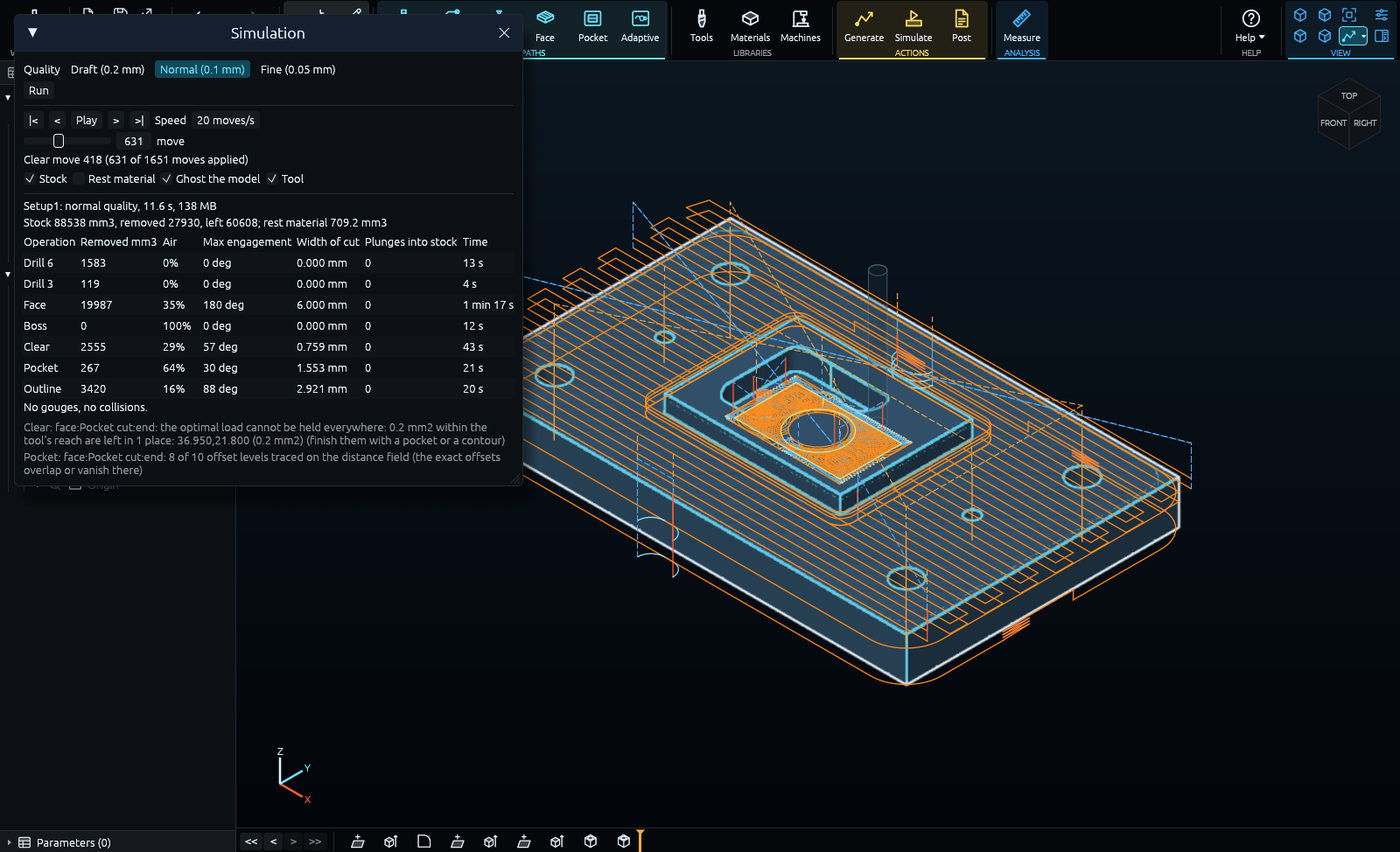
CAM: toolpaths and stock simulation.
-
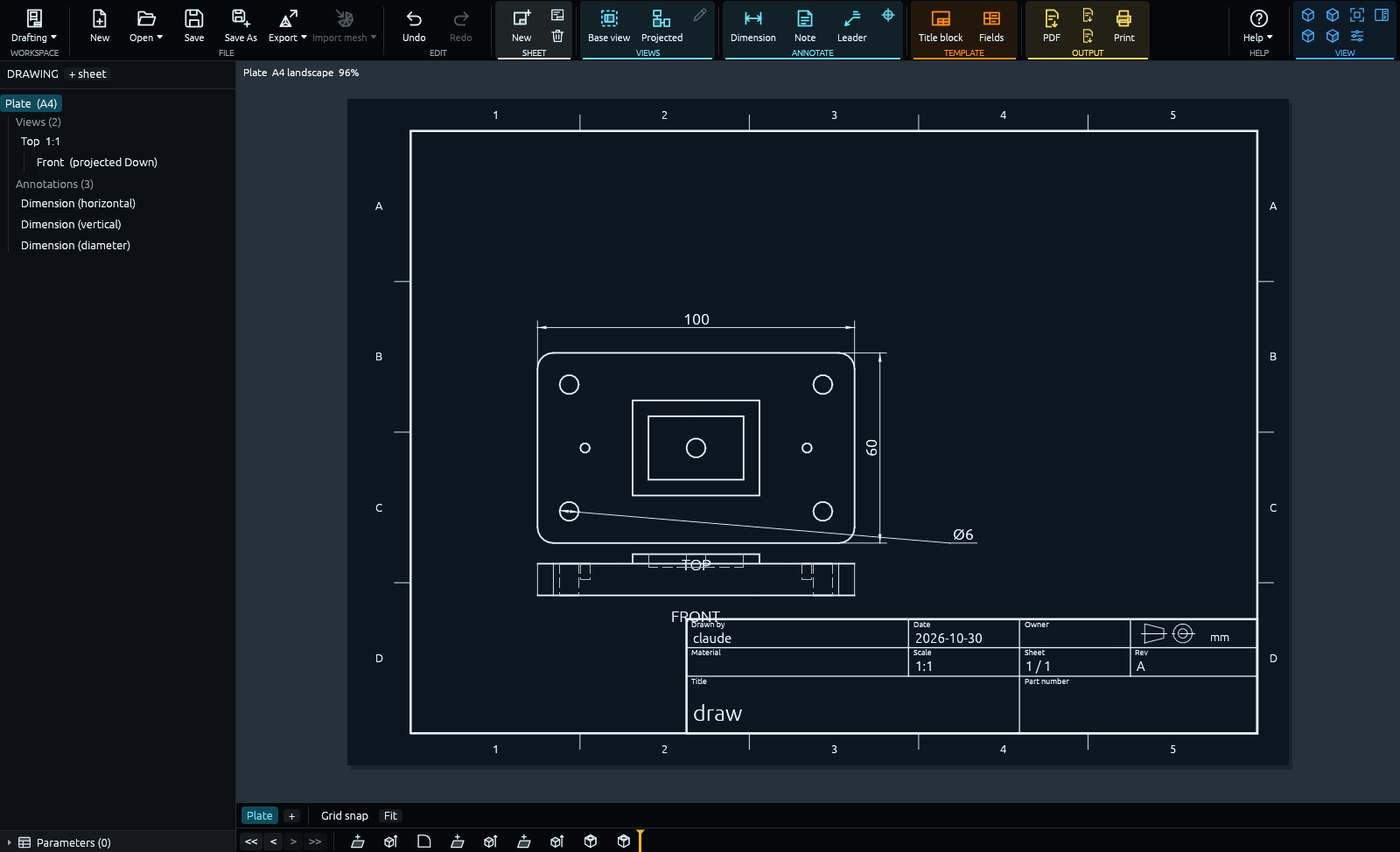
Drafting: a dimensioned drawing sheet.
- Screenshot to come
Assembly with joints.
- Screenshot to come
Scan import and fitted surfaces.
Features
Modeling
- Sketches: lines, arcs, circles, slots, constraints, parameter-driven dimensions
- Sketch text in any installed or bundled font, embossed or debossed
- Extrude: distance, symmetric, two sides, to face, to object, through all, taper
- Revolve, helical sweep (threads, springs), sweep along a path
- Holes, fillets, chamfers, shells, split body, combine (join, cut, intersect)
- Mirror, rectangular and circular patterns, feature patterns
- Construction planes, axes and points
- Components and joints, with joint animation
- Undo and redo, timeline rollback
CAM
- Machine, material and tool libraries of your own
- Drill, contour, trace, face, pocket and adaptive clearing operations
- Stock simulation with gouge and collision checks, and rest material
- Laser and plasma jet cuts
- Posts for GRBL, Mach3, Carvera, Fanuc-style and LinuxCNC controls
Drawings, import and export
- Drafting: sheets, views, dimensions, title blocks; PDF, SVG and DXF output
- STEP import and export, STL and 3MF mesh export
- Mesh and scan import with datum alignment and fitted surfaces
Everywhere
- GPU viewport with an automatic CPU fallback
- Command line program with the same capabilities as the interface
- Themes and ribbon colors; dark by default
System requirements
- 64-bit Windows, Linux or macOS; the builds offered at release are listed on the Downloads page.
- A GPU with Vulkan, Metal or DirectX 12 and compute shader support. Without one, HardForm starts on a slower CPU renderer.
- STEP export uses Gmsh with the Open CASCADE kernel, a separate free program that HardForm locates or downloads.
Minimum RAM and disk figures will be added once the release builds are measured.
Price and license
Price: $10 during the beta, $20 at 1.0.
One perpetual, per-user license that includes all updates. You enter a license key under Help > License; there is no other copy protection. Refunds are granted on request (see Refunds).